Table of Contents
Account Settings #
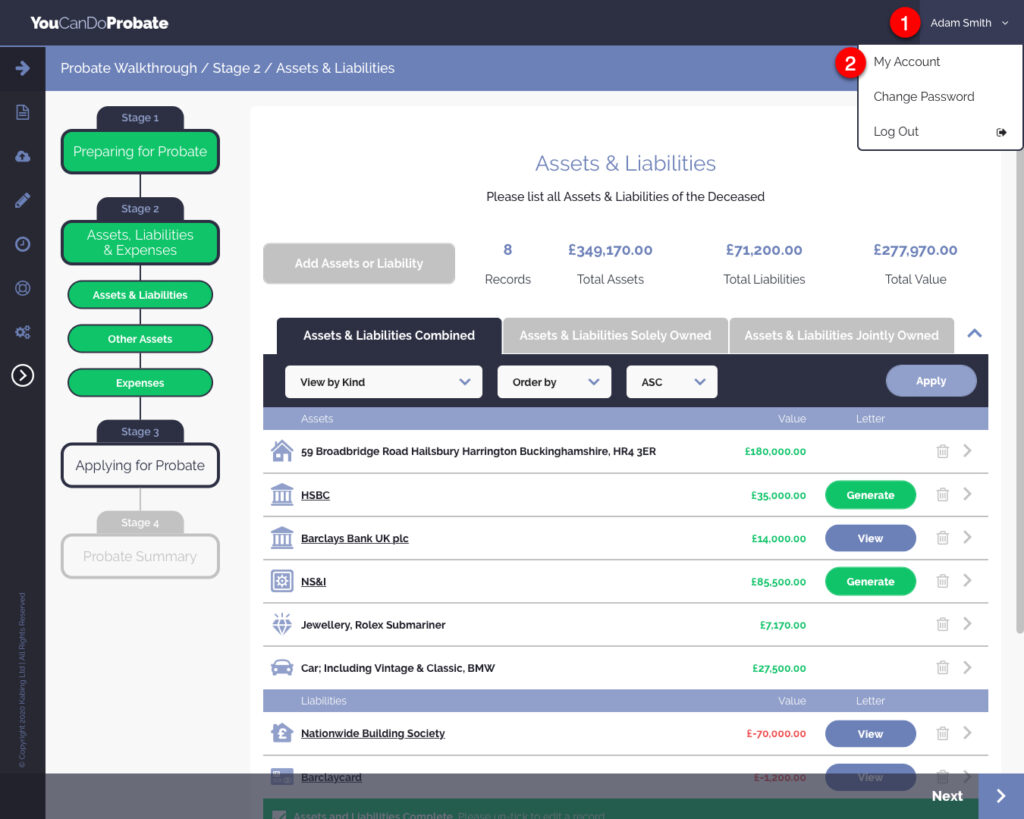
- Click on the down arrow, by your name, in the top right of your browser window.
- Click on ‘My Account’
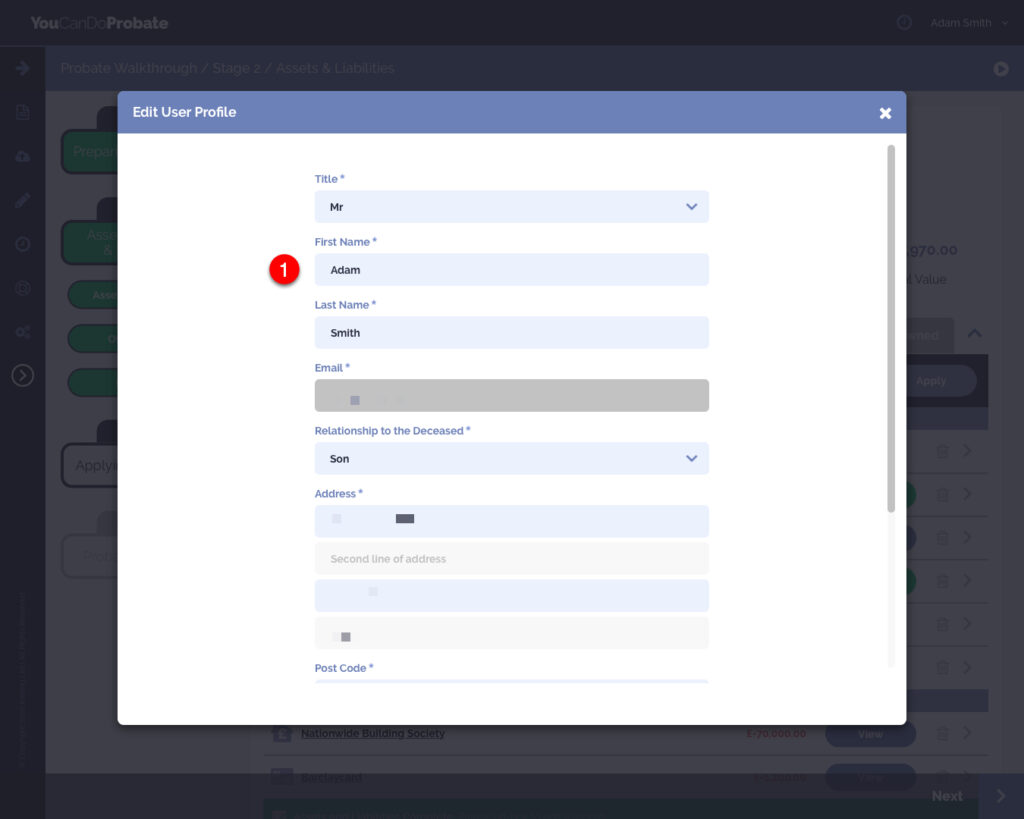
- Click on any field to edit the information entered. You cannot change your email address. Remember to click the ‘Save’ button at the bottom of the lightbox.
- To turn off Two-Factor Authentication at login, scroll to the bottom of the lightbox and un-tick the checkbox ‘Required authentication PIN for login’. Simply re-tick the checkbox to turn back on.

Change Password #
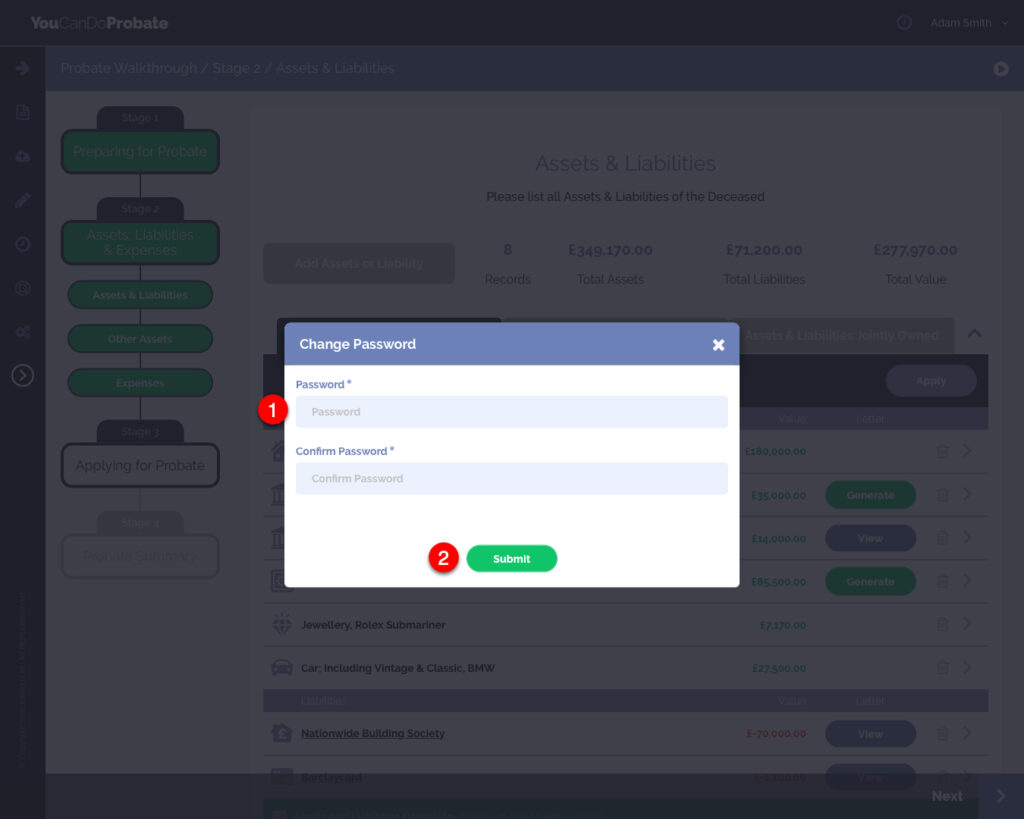
- Click on the down arrow, by your name, in the top right of your browser window
- Click on ‘Change Password‘

- Enter a new password and confirm it. – Your password must be at least 8 characters in length, contain at least 1 upper case, at least 1 lower case, at least 1 numeric, and at least 1 special character;